





“I’ve got a lot to say.” – Joshua Anderson, stroke survivor
When conversations moved faster than he could type
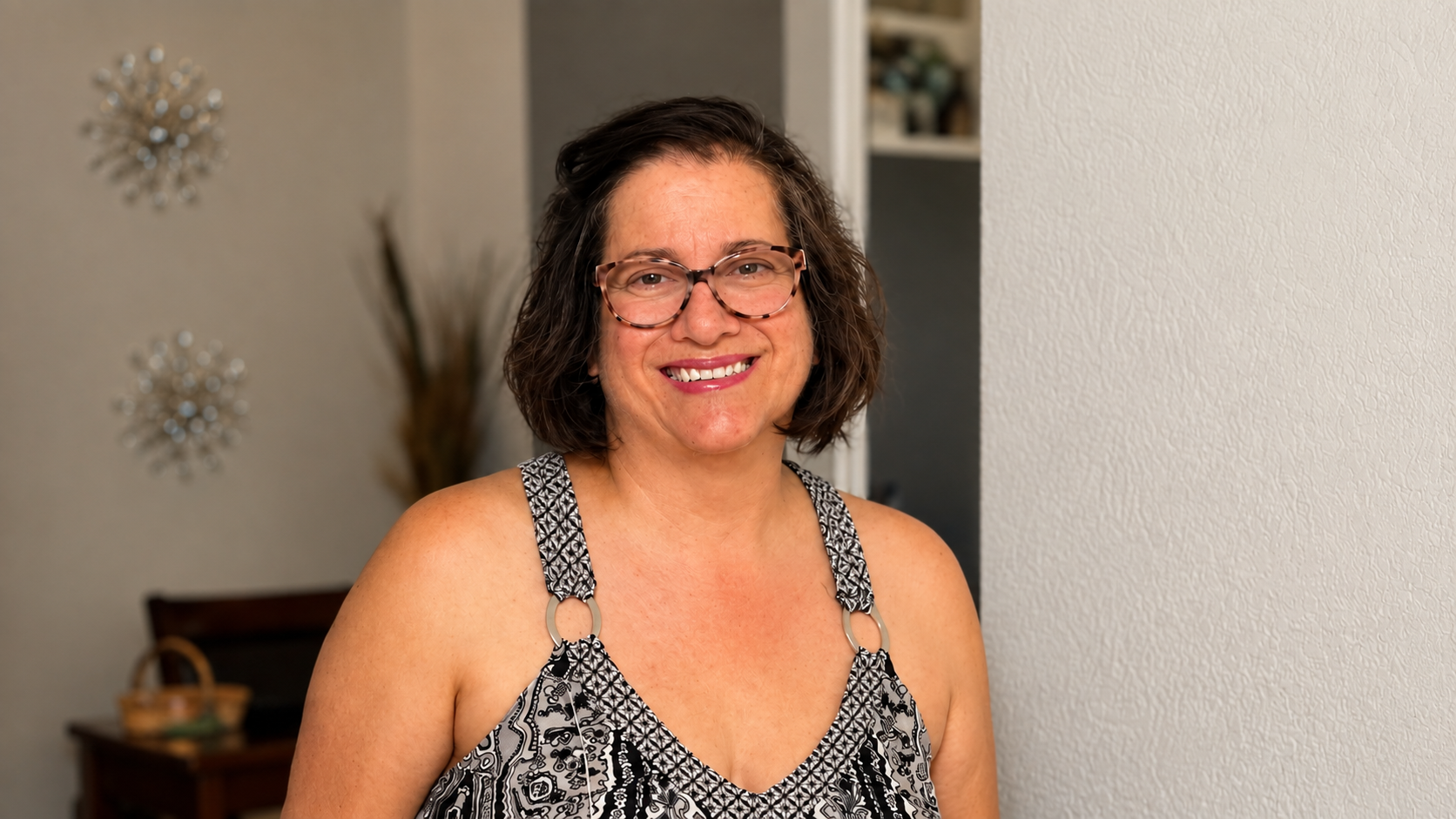
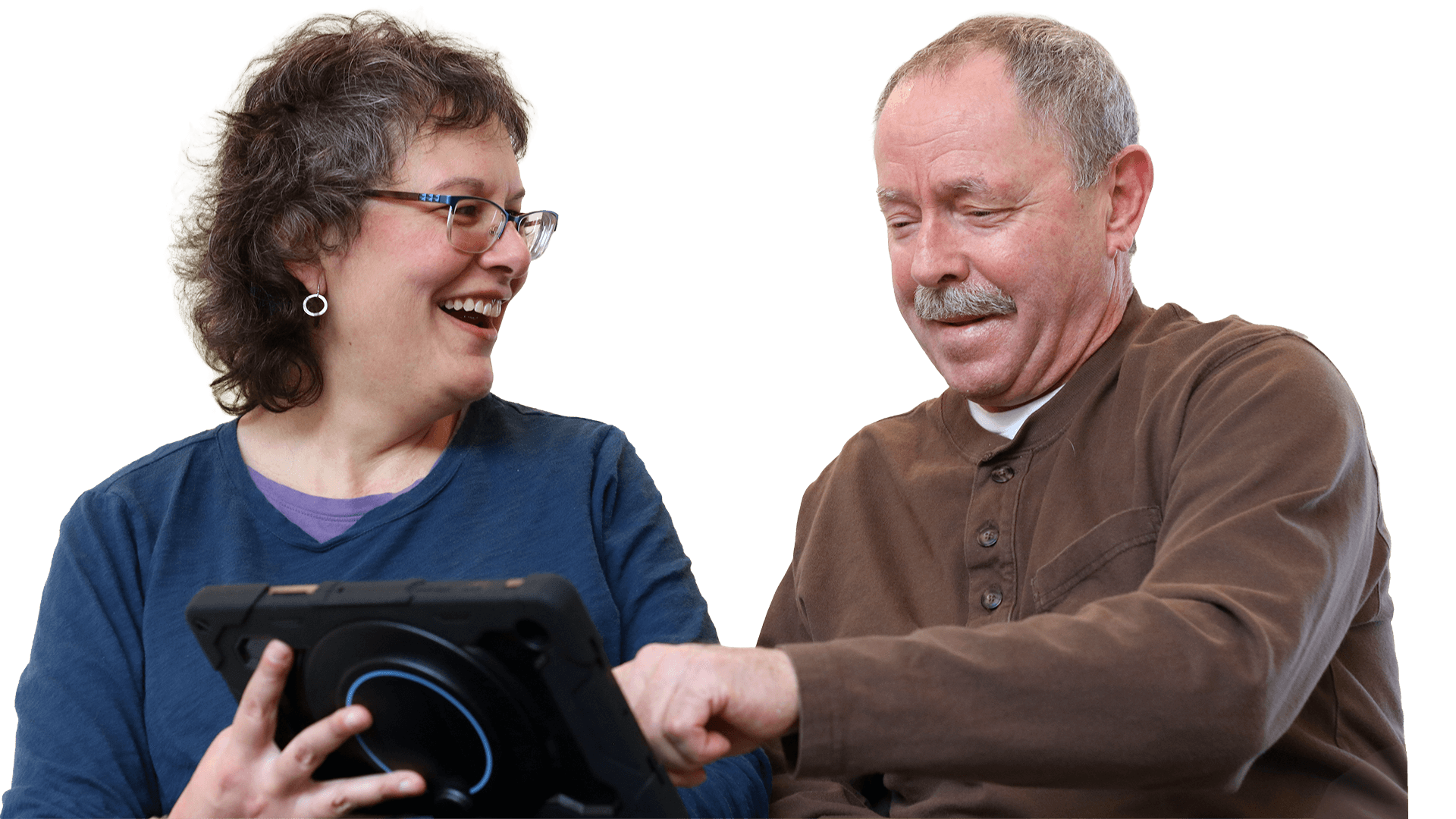
When speech-language pathologist Theresa Alexander first met her client, Joshua Anderson, she was quickly impressed by his problem-solving skills.
Although moderate-severe apraxia and expressive aphasia made it difficult for Joshua to coordinate the right movements to get his words out, he often knew what he wanted to say. And as a small business owner, father, and U.S. Marine Corps veteran — Joshua wasn’t one to give up easily.
“You’ve always been a proficient communicator. You figure out a way to get your message across, even if you can’t pick up the phone and make a phone call.” Theresa said to Joshua. She’s been an SLP for 20+ years and is the owner of Charm City Brains, LLC, a private practice in Baltimore, Maryland. Both smiled as Theresa recounted a time when Joshua cleverly emailed her a picture of himself outside the clinic because he needed someone to buzz him in.
Typing gave Joshua one way to communicate. He’d already been using a text-to-speech app on his phone — but that came with a challenge. Joshua’s dominant right side became weak after his stroke.
So, no matter how quickly he tried to type with his left hand, conversations always seemed to move faster.
As Theresa learned more about Joshua, she knew he needed a faster, more flexible communication system that built on his strong reading and typing skills. She knew AAC (augmentative and alternative communication) could help him communicate more efficiently.
Building a communication system around Joshua’s strengths
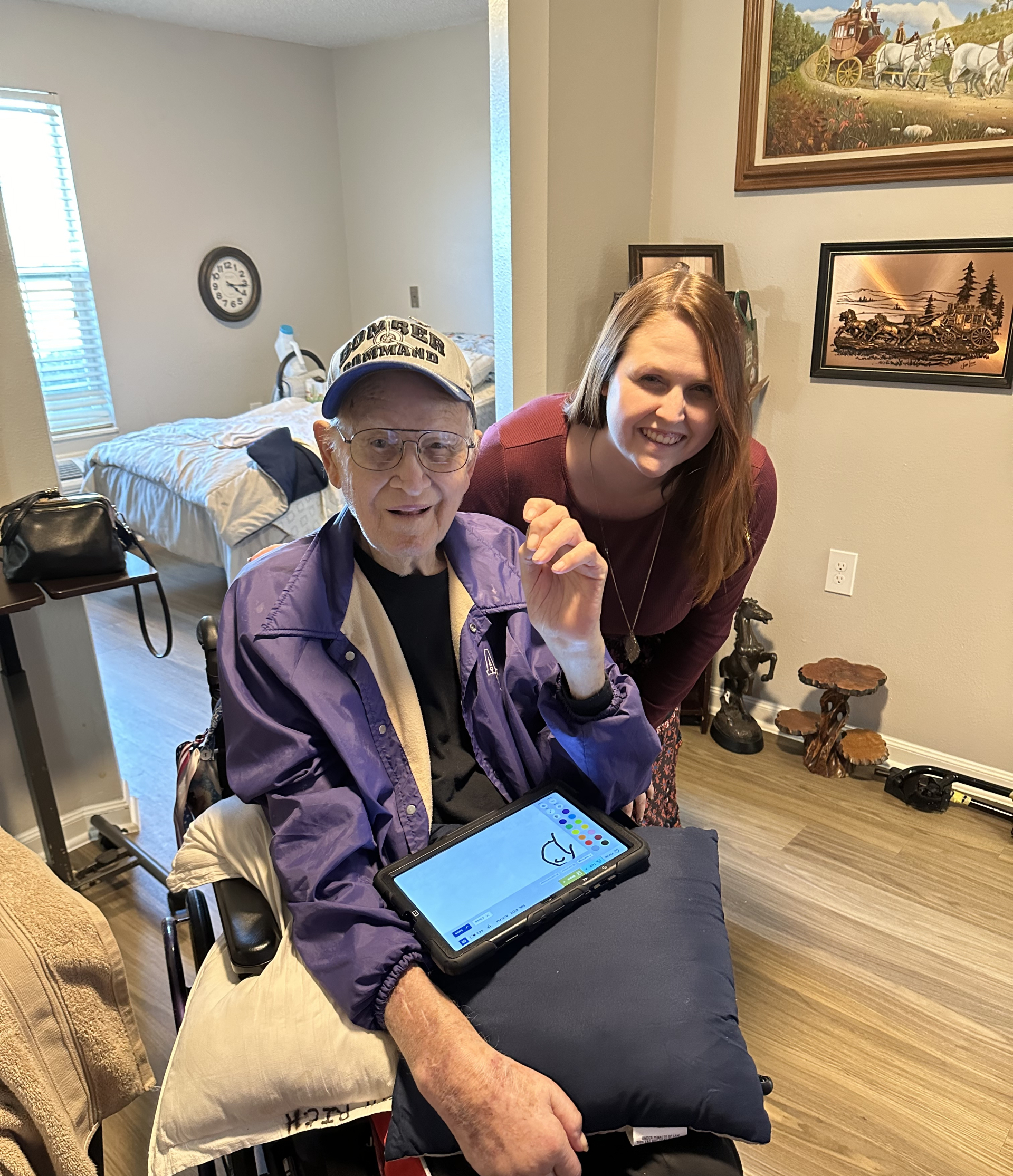
At Theresa’s recommendation, Joshua began a trial with Lingraphica’s MiniTalk, a compact AAC tablet he (adorably) nicknamed “Little Lynn.”
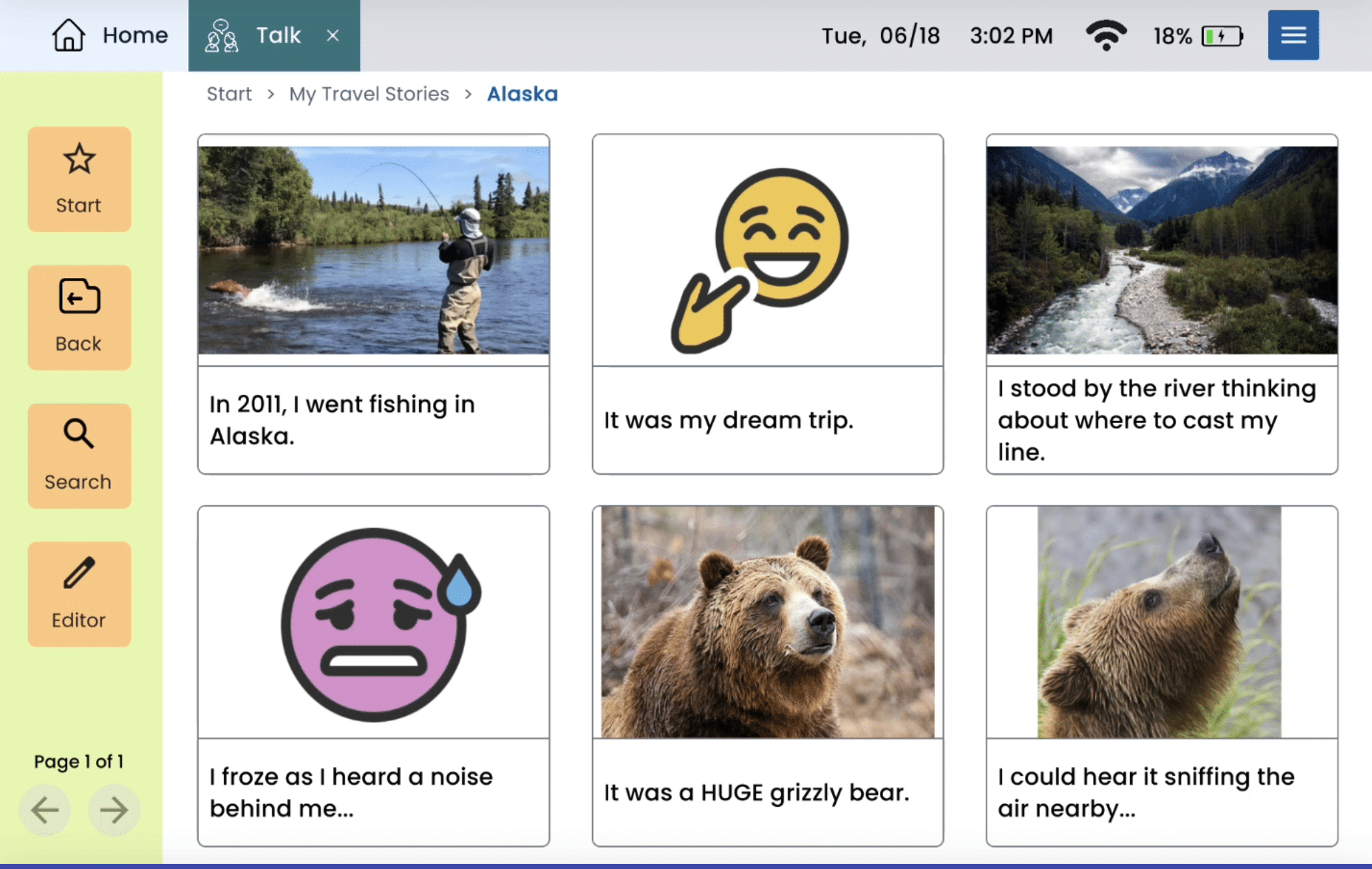
“I started using the Lingraphica device because I like the Type function,” Joshua shares. “I also like to program messages onto cards in preparation for conversations with others, and I like the Conversation function, as well, when new topics come up unexpectedly.”
“I was already using my phone pretty well with some speech apps on it, but my little Lynn works even better than that,” Joshua says.
The Talk tool lets him pre-program messages by typing them and saving each one as a “card.” With Type, he enters his message using the on-screen keyboard, and the device can immediately speak it aloud.
His first big test came before a video call with his child’s teacher.
Joshua knew the questions he wanted to ask, so he programmed them into “Little Lynn” before the meeting. He joined the call ready to get the answers he needed.
For Theresa, this was a powerful moment, too. Someone who didn’t already know Joshua or his communication style could understand his complex questions. Most importantly, Joshua could fully participate in a conversation about his child.
Using new AAC tools to join unscripted conversations
Preparing messages in advance worked well for Joshua when he knew what he wanted to discuss.
But as we all know: real-time conversations don’t always follow a script.
People ask unexpected questions. Topics change. And when a conversation took an unexpected turn, typing a response could still take more time than Joshua had.
Then, the Lingraphica SLP team introduced Theresa and Joshua to the Conversations tool. And their reaction made everyone smile.
“This is like an ‘easy button’ for conversations!” they shared.
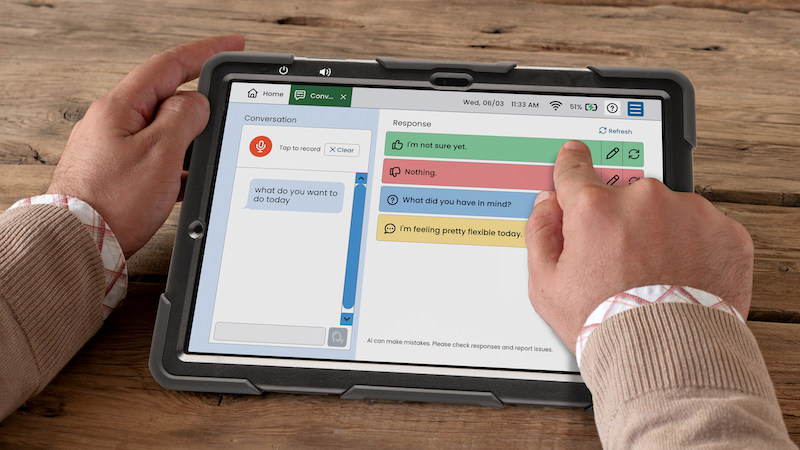
Lingraphica’s Conversations tool helps make real-time conversations easier by:
- Transcribing what’s being said on the screen
- Suggesting responses you can edit or have the device speak aloud
It gives Joshua a faster starting point whenever an unexpected topic comes up.
Theresa saw the difference right away:
“You knew what you wanted to say, but you were a bit limited just by how quickly you could type with your left hand. The Conversations app made it so much more efficient for you.”
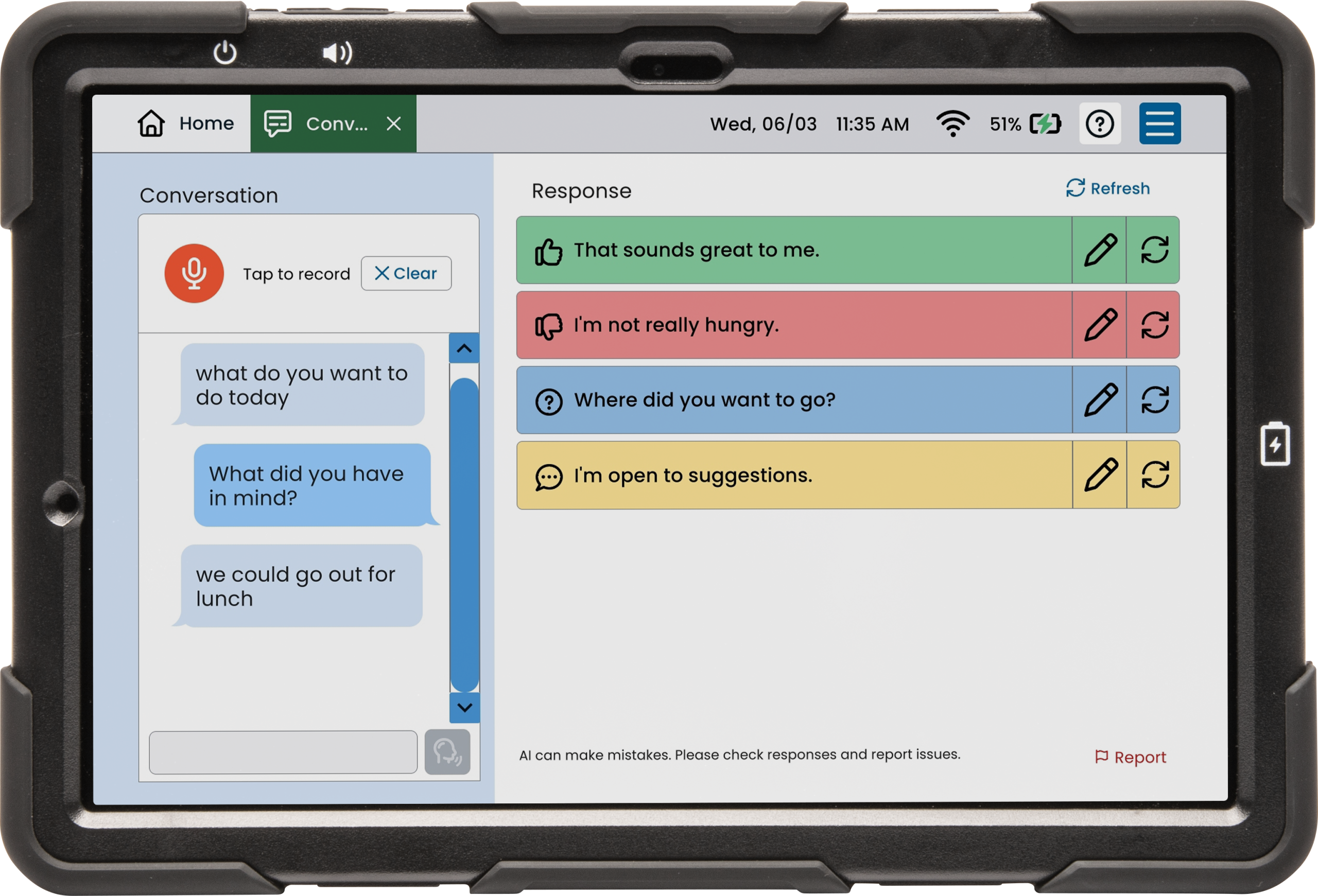
Joshua said, “I find the Conversations app that helps me keep up in real conversations to be very useful. And I really have been able to prepare well for conversations by creating cards with messages. I’ve got a lot to say.”
Here’s what else stood out to Theresa and Joshua:
Little Lynn generated responses that matched what Joshua wanted to say ~80% of the time. And when it didn’t, he could edit or use another tool on his device to clarify his message.
Conversations might seem like an “easy button” — but Theresa suspects the combination of therapy and AAC actually helped increase Joshua’s spontaneous speech thanks to lots of practice repeating after his device.
Seeing the difference using AAC has made
With all Little Lynn’s built-in tools, Joshua now has more than one way to get his thoughts into the conversation. He can prepare important questions in advance, respond more efficiently when topics change, and use the device as a model during speech practice.
Theresa gave a perfect explanation of how AAC can be used to provide speech practice and more language input, which is key to enhancing aphasia recovery (Dietz et al., 2020).
“[AAC] does not replace speech,” Theresa says. “It’s a stepping stone toward improved speech.”
There’s still work ahead on Joshua’s aphasia rehabilitation journey.
For now, Little Lynn supports his speech recovery while giving him a reliable way to communicate today.
And Joshua has plenty more to say!