



New Smart Folders Tool Makes Communication Faster, Easier, and More Personal
Published on Nov 10, 2026
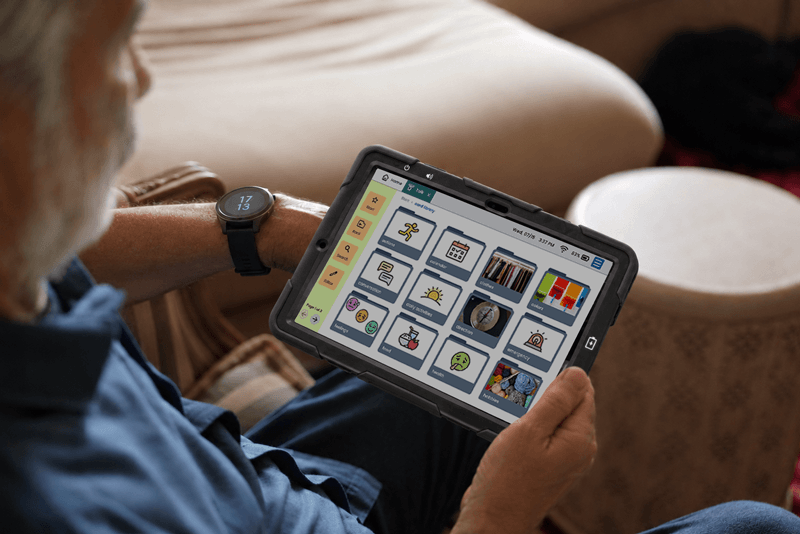
Lingraphica has released Smart Folders, a new feature on Lingraphica devices to help SLPs, people with communication challenges, and their care partners create communication cards even faster.
Smart Folders, available exclusively on Lingraphica devices running Hub software, leverages new technology to create folders and cards in the Lingraphica Talk tool in minutes.
What is Smart Folders?
Smart Folders is a new feature that allows Lingraphica device users to create folders or cards in the Lingraphica Talk tool quickly. The feature leverages a large language model (LLM) to generate suggested cards with images based on input from users.
How does Smart Folders work?
Lingraphica device users can create batches of folders or cards in Lingraphica Talk in three easy steps:
- Describe: Enter a new folder title
- Refine: Type in a description (the more info you give, the better the suggestions)
- Personalize: Select which cards fit you best from the suggestions Smart Folders creates
Users can also edit cards, add their own images or videos, and more.
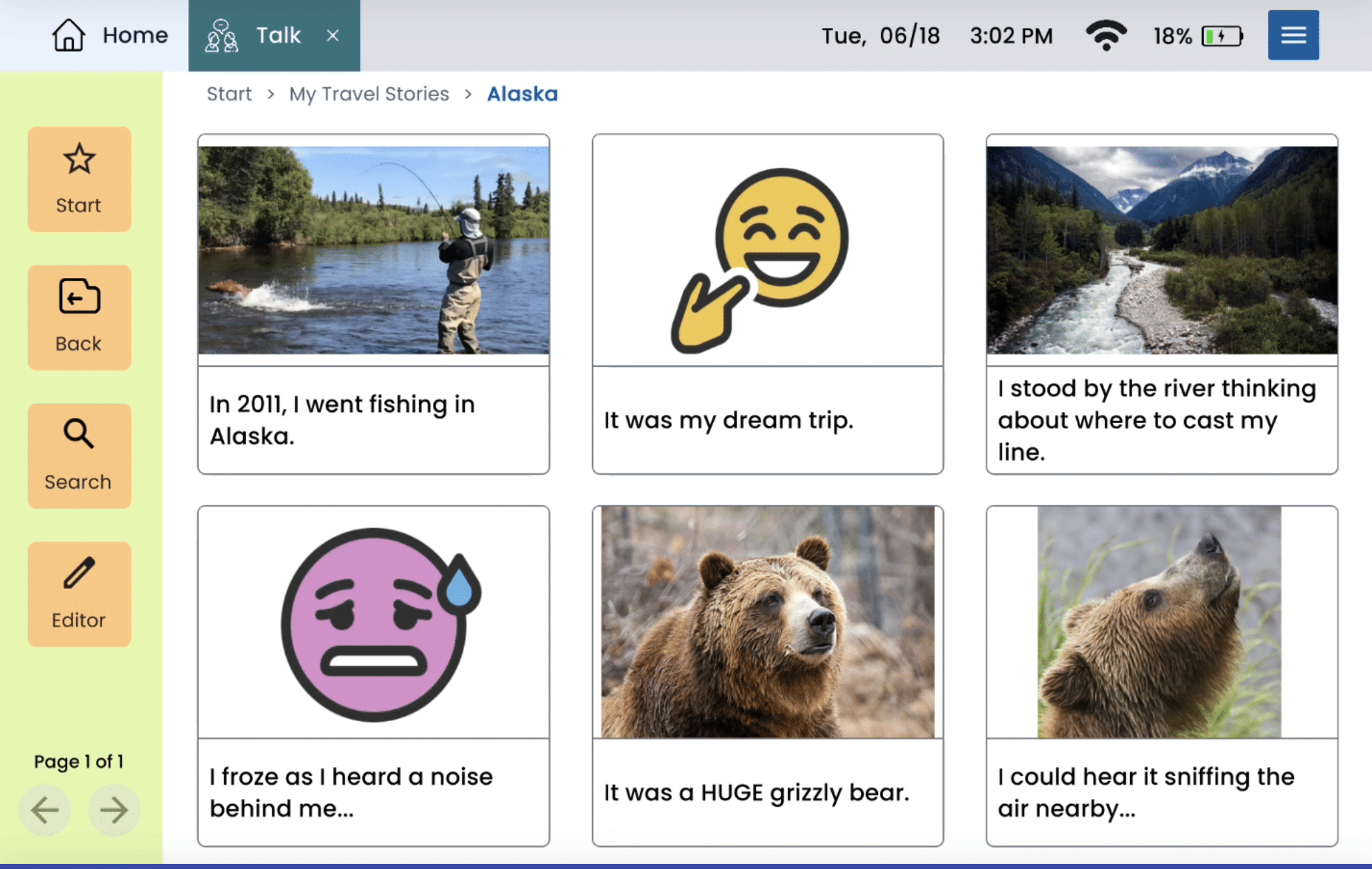
Smart Folders creates cards based on your description.
Who can use Smart Folders?
SLPs, people with communication challenges due to aphasia, Parkinson’s disease, autism, apraxia, or other conditions, and their care partners can all use Smart Folders today!
Smart Folders is available now on all Lingraphica devices running Hub software for adults (ages 18+).
How does Smart Folders help?
Personalization is the key to making augmentative and alternative communication (AAC) devices relevant and useful for people with communication challenges.
Now, Lingraphica device users and their SLPs can create folders and cards in Lingraphica Talk in minutes.
“It took us 10, 15 minutes to do it on our own, and that took a minute and a half.” – person with communication challenges in a Lingraphica Smart Folders focus group
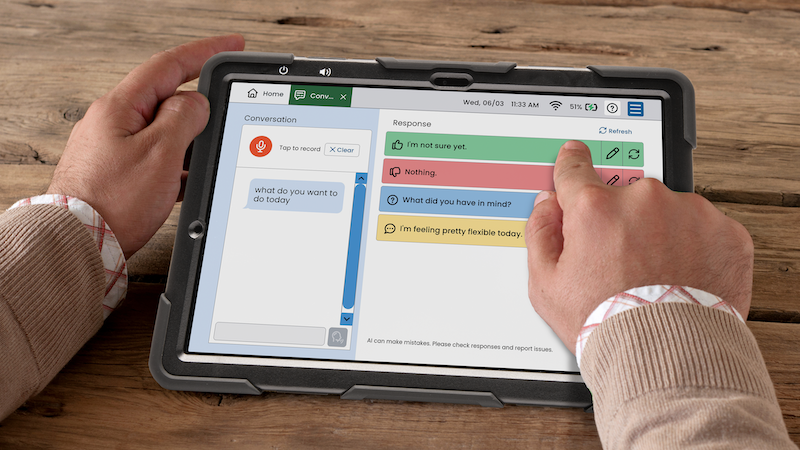
Talk allows users to create custom cards to express their thoughts, needs, and wants at the touch of a button.
Smart Folders can create dozens of new cards in seconds, based on the description the user provides.
How can I get Smart Folders?
If you are an adult with a Lingraphica AAC device running updated Hub software, Smart Folders is already loaded! Just open Talk, create a new folder, and select “Smart Folders” as the type.
Don’t have a Lingraphica device? Find out how you can try one for free.
If you have an older Lingraphica device, find out if you are eligible for an upgrade.
About Contributor
 Lingraphica Team
AAC Experts
Lingraphica helps people with speech and language impairments improve their communication, speech, and quality of life. Try a Lingraphica AAC device for free.
Contributors
Lingraphica Team
AAC Experts
Categories
Subscribe to newsletter
Share