


Inside a Lingraphica Clinical AAC Demo: What SLPs Should Know
Published on Mar 17, 2026
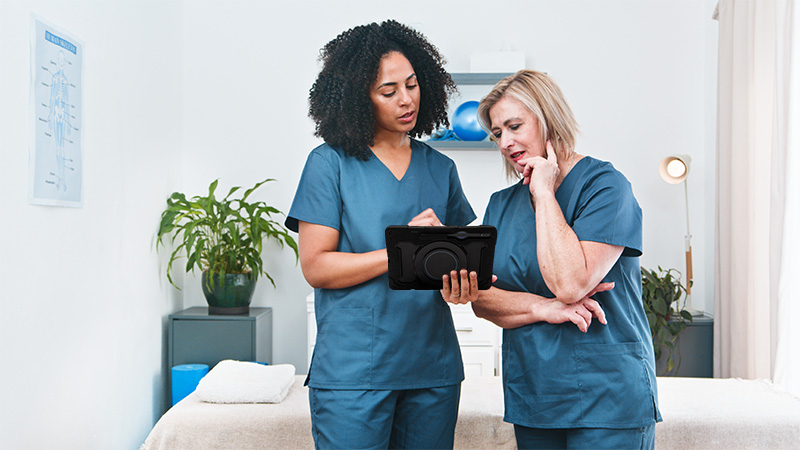
If you’re an SLP, you understand how important augmentative and alternative communication (AAC) devices are for supporting speech and communication.
But do you remember the first time you worked with AAC?
I do.
Back in 2012, during my clinical fellowship year, I worked as the only SLP at a skilled nursing facility. I had a patient who had the right hemisphere of her brain surgically removed years before I met her.
Initially, she could speak, but after multiple strokes, seizures, and a devastating fall, she became anarthric. She had so much to say, and I knew I needed to find a way for her to say it!
That’s when I Googled “Augmentative and Alternative Communication devices near me” and found an AAC vendor that served my area.
My patient and I met with the rep to test devices, and I eventually received the device via mail, accompanied by a training DVD (remember DVDs?!).
I sat in my living room, device in hand, DVD in the player, rewinding and fast‑forwarding to try to figure out how to edit vocabulary, record phrases, or add pictures.
If a nurse or caregiver needed to make an edit on the device when I wasn’t there, they were out of luck. I was the tech person, the interpreter, the middlewoman.
Fast forward to 2025, and I just experienced something completely different with my Lingraphica AAC demo.
If you’ve been curious about Lingraphica and their AAC support but haven’t taken the leap, let me walk you through what actually happens.
And I have GREAT news: it’s nothing like those old DVD days!
Inside my virtual demo call: an SLP guide makes all the difference
Sara, my clinical educator, is an actual SLP. This matters more than you might think.
She began by understanding my specific interests. When I mentioned my background working in SNFs and currently living in Puerto Rico (with plenty of amazing Puerto Rican SLPs who are looking for AAC support), she immediately tailored the entire demo around that.
Something that stood out to me about Sara’s responses to my questions was how patient-led they were.
For example, I asked if there was a “delayed activation” feature for buttons to prevent endless loops of the same word or phrase being repeated over and over again.
I was thinking about patients with tremors, but in beautiful person-centered SLP fashion, this was Sara’s response:

“I would say that’s okay. It’s okay for them to explore and to use the device how they want to communicate. It’s not necessarily a wrong thing for [repeated phrases] to happen. I think you just have to determine if it’s due to them wanting to make that selection or if it’s due to accidental selections.“
This is what I mean when I say having an SLP guide makes all the difference! That was the exact kind of response I needed as a CF when a nurse approached me to see if I could prevent my patient from intentionally tapping the same request 50+ times.
The demo was virtual, which meant I could see the device features through screen sharing from my home in Puerto Rico, with my cat by my feet.
Screen sharing that felt like hands-on training
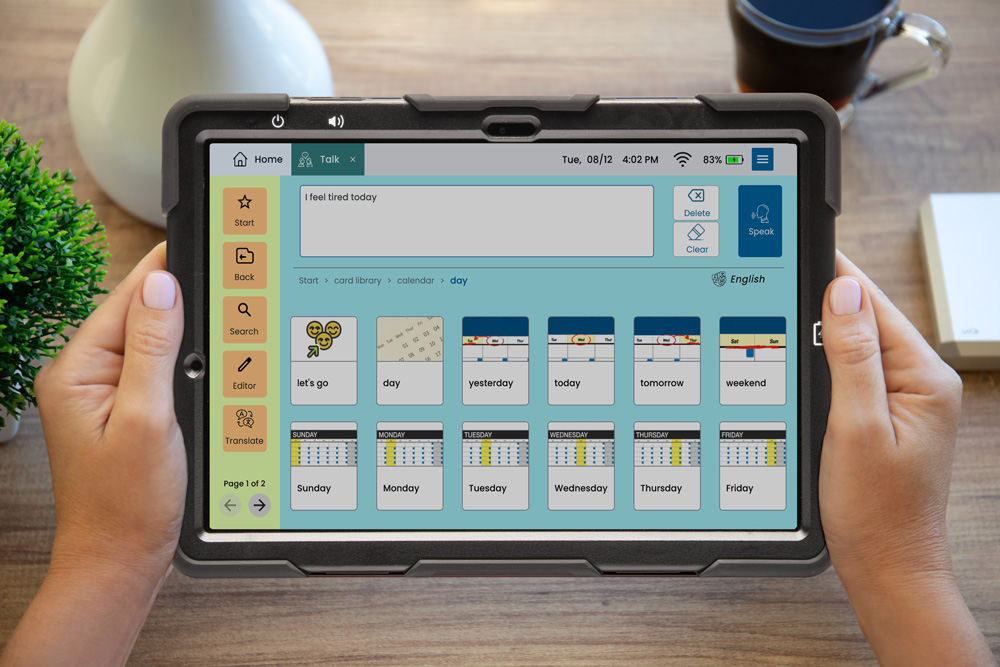
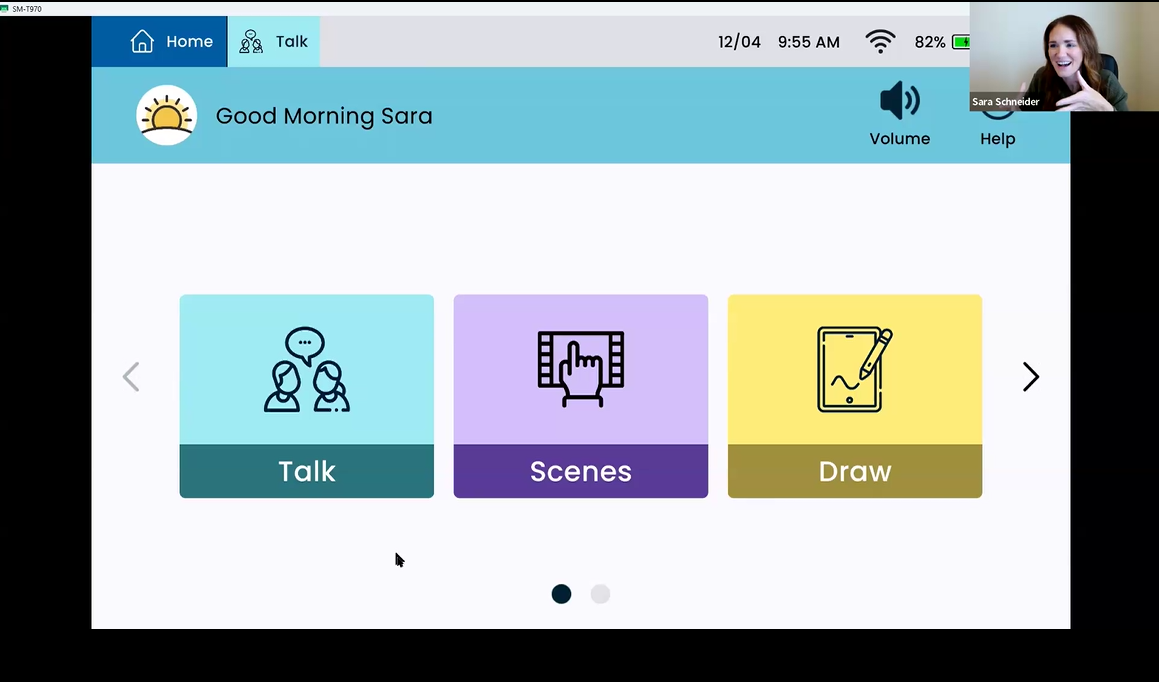
Sara shared her screen and walked me through the actual device interface in real-time. I could see exactly what patients and families would experience, and I could ask questions as they came up.
My top 3 favorite Lingraphica AAC demo moments
1. Editing and personalizing AAC content:
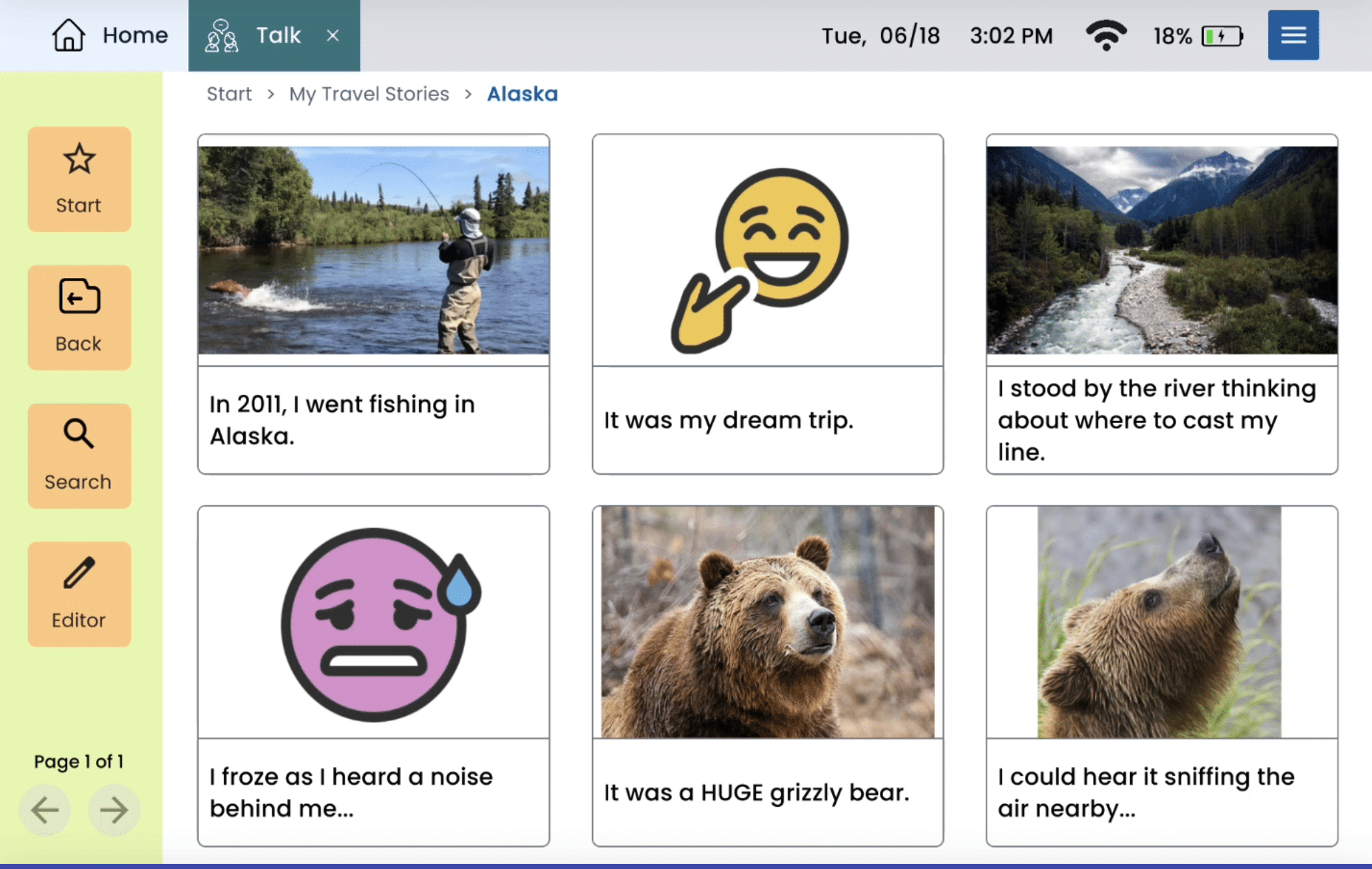
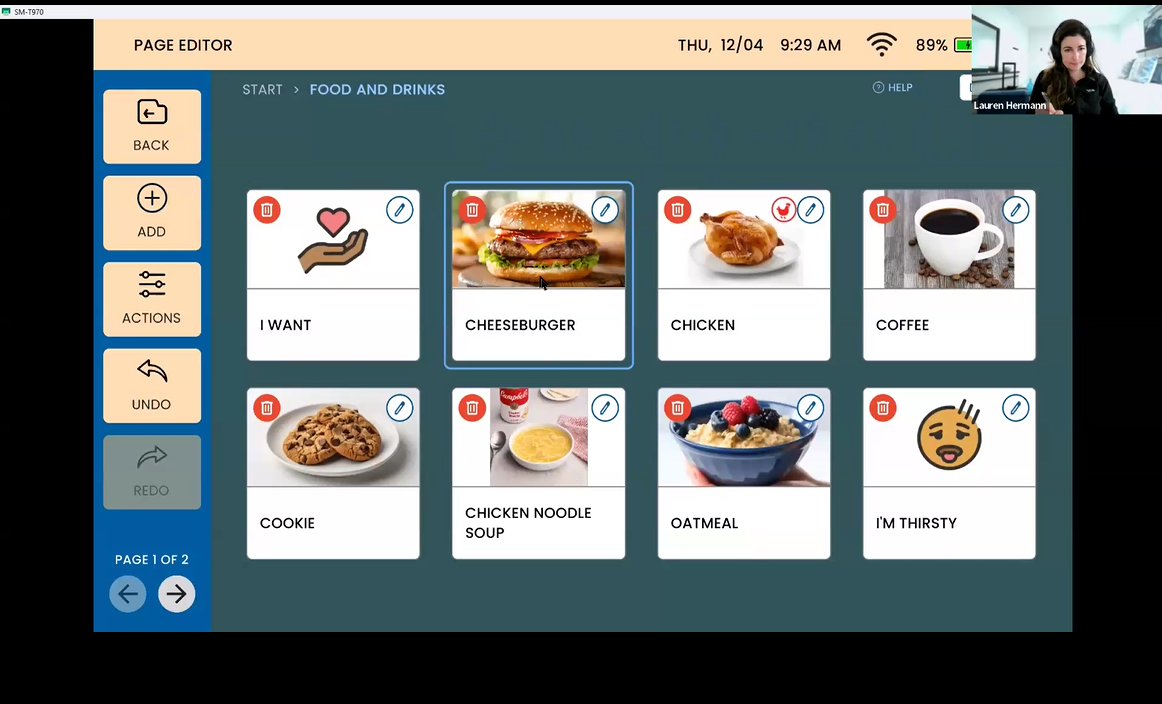
Sara showed me how incredibly easy it is to make the device truly personal. She walked me through creating new communication cards – you can grab images from the web, take photos in real-time or pull from the user’s stored pictures, draw something, or choose from Lingraphica’s library.
And I love that the “delete” button actually just hides items in a restore folder.
“You can’t mess up!” Sara reassured me. As a stereotypical perfectionist SLP, I needed to hear that.
2. The voice selection process:
This was genuinely fun to watch (and play with on my free loaner device). Sara let me hear different voice options – adult, young adult, and child voices, plus various accents.
You can adjust the speed and test each voice right there in the settings.
3. Adaptive accessories showcase:
Sara pulled out the actual physical accessories on camera so I could see exactly what each tool looked like:
- Ball grip stylus – larger grip for those who need it
- T-grip stylus – beneficial for individuals with spasticity
- Weighted stylus – helps with tremors and imprecise selection
- Long flexible stylus – bends and adapts to different gripping needs
- Stylus with strap – for those who can’t grip
Honorable “favorite demo moments” mentions include Lingraphica’s “Join In” online community sessions, simplified news articles with read-aloud features, and therapy apps where SLPs can track client progress remotely (👈I would have LOVED that feature for my first AAC patient!).
From demo to device: My real testing experience
A few days later, the Lingraphica TouchTalk device arrived at my door.
(Note: usually SLPs receive a loaner device to use during their hands-on demo. I happened to be away from home for a few days, so I ended up receiving mine after Sara and I met via Zoom. The demo was still helpful — even without a device in my hands yet.)
What I got (and why I was excited!)
Like a little gift on my doorstep, I received a cardboard box containing the following items:
- The TouchTalk Mini
- A stylus
- Charging cable
- A branded dry-erase marker
- Five copies of a simple communication board (SUPER helpful for those immediate basic communication needs)
I was beyond excited to see that the device came to me with a fully charged battery! Instant gratification at its finest.
The device itself is lightweight and comes with a kickstand in the back so you can prop it up.
The voice selection process was fun. I test-drove a few voices before settling on “Jenny,” the confident queen who sounds like she never begs for attention but gets it anyway.
The Spanish options impressed me too, with regional accents for Mexico, Puerto Rico, and Spain.
While the TouchTalk device can function in Spanish, the therapy app and news app are not available in Spanish. But Sara immediately recognized this limitation and is bringing it to the Lingraphica team (customer feedback support for the win!)
Quick tip: If you have questions after your virtual demo, you can easily reference the “How To” articles under the “Help” button on the device home page. This came in handy when I was testing the device on my own. Sara also followed up with me via email and shared her direct email and phone number – so I could also reach out to her for support anytime!
What made this demo different
The contrast between my 2012 experience and this Lingraphica demo couldn’t be more dramatic. Back then, I was isolated with a DVD, trying to figure everything out alone, and I was the only one who could edit or troubleshoot the device.
Now, I have a live SLP expert, real-time questions and answers, and the promise of ongoing support that extends to families and staff. The statistics back up what I experienced personally: SLPs who were surveyed after completing just one Lingraphica trial reported a major jump in feeling “very” or “extremely” comfortable with high-tech AAC – from 27% to 46%.
If a demo made me this confident about modern AAC after years away from hands-on device work, imagine what a full trial could do for your clinical practice. I could even earn 0.20 ASHA CEUs as part of the demo after completing the required follow-up activities, learning assessment, and course evaluation.
Ready to experience a Lingraphica demo yourself? Schedule your free clinical AAC device demo and discover what supportive AAC partnership looks like.
About Contributor
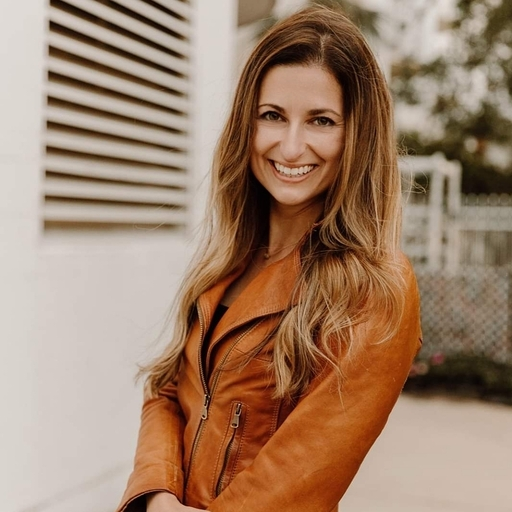 Lauren Hermann, MS, CCC-SLP
Guest Contributor
Lauren Hermann, MS, CCC-SLP
Guest Contributor
 Lingraphica Team
AAC Experts
Lingraphica Team
AAC Experts
Lingraphica helps people with speech and language impairments improve their communication, speech, and quality of life. Try a Lingraphica AAC device for free.
Contributors
Lauren Hermann, MS, CCC-SLP
Guest Contributor
Lingraphica Team
AAC Experts
Categories
Subscribe to newsletter
Share