



Draw Settings
Updated: July 01, 2024
Talk
Talk
Talk Settings
Page Editor
Create a Card
Create a Folder
Edit a Card or Folder
Copy a Card or Folder
Move a Card or Folder
Enabling and Disabling the Editor
Search Not Displaying Any Results
Missing Cards and Folders
Dual Language Mode
Search for Cards and Folders
Message Window
Alternative Pronunciation
Therapy
Therapy
News
News
Community
Community
Table of Contents
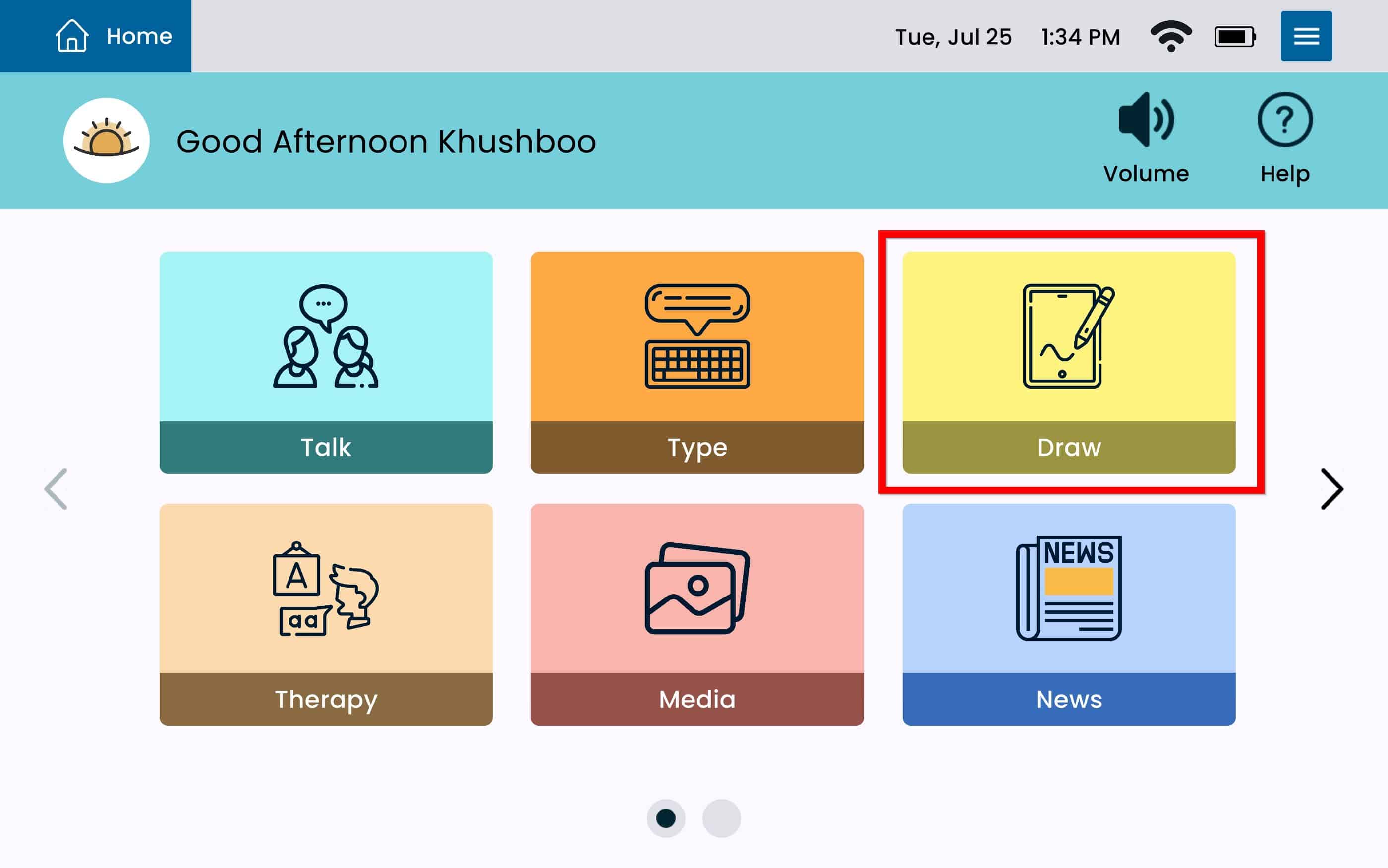
Launch Draw
- From Home, tap Draw
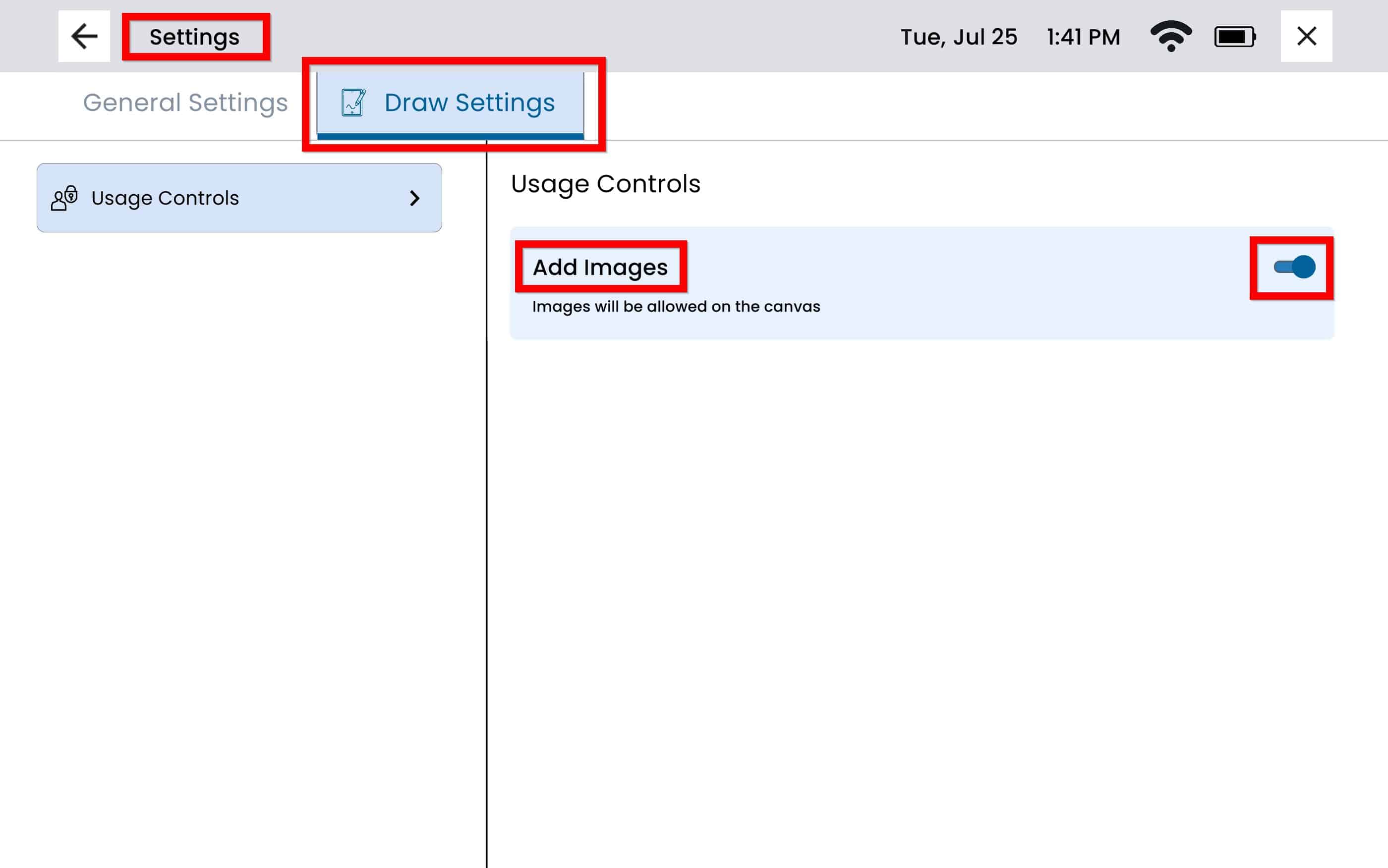
Draw Settings
From Draw, tap the Settings Menu Button which gives you direct access to Draw Settings
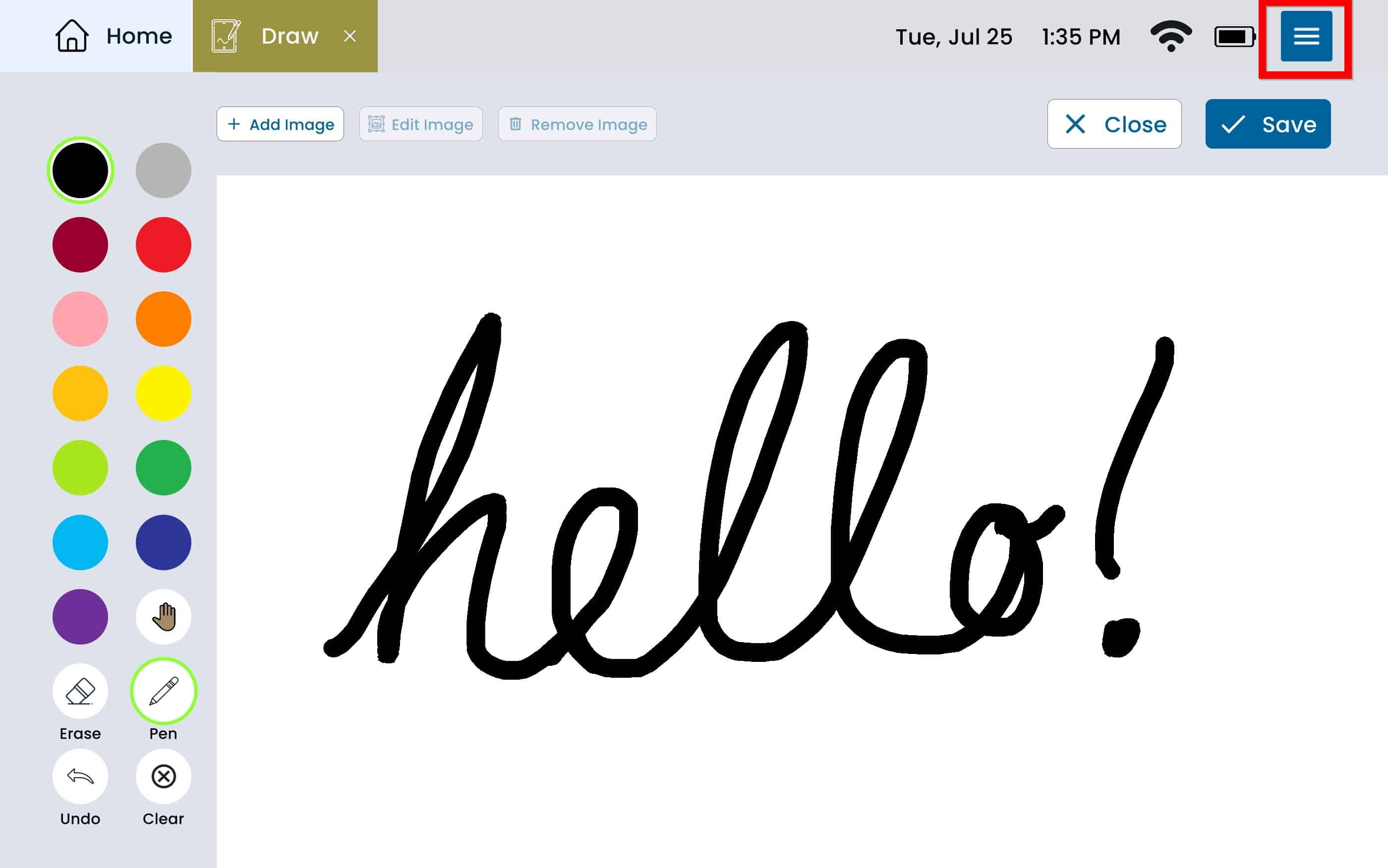
To enable adding images, select the toggle button next to Add Images, the toggle button will display to the right if the setting is turned on, and left if the setting is turned off.